A Buyer's Guide to Making Offers and Scoring Deals on OfferTrackr

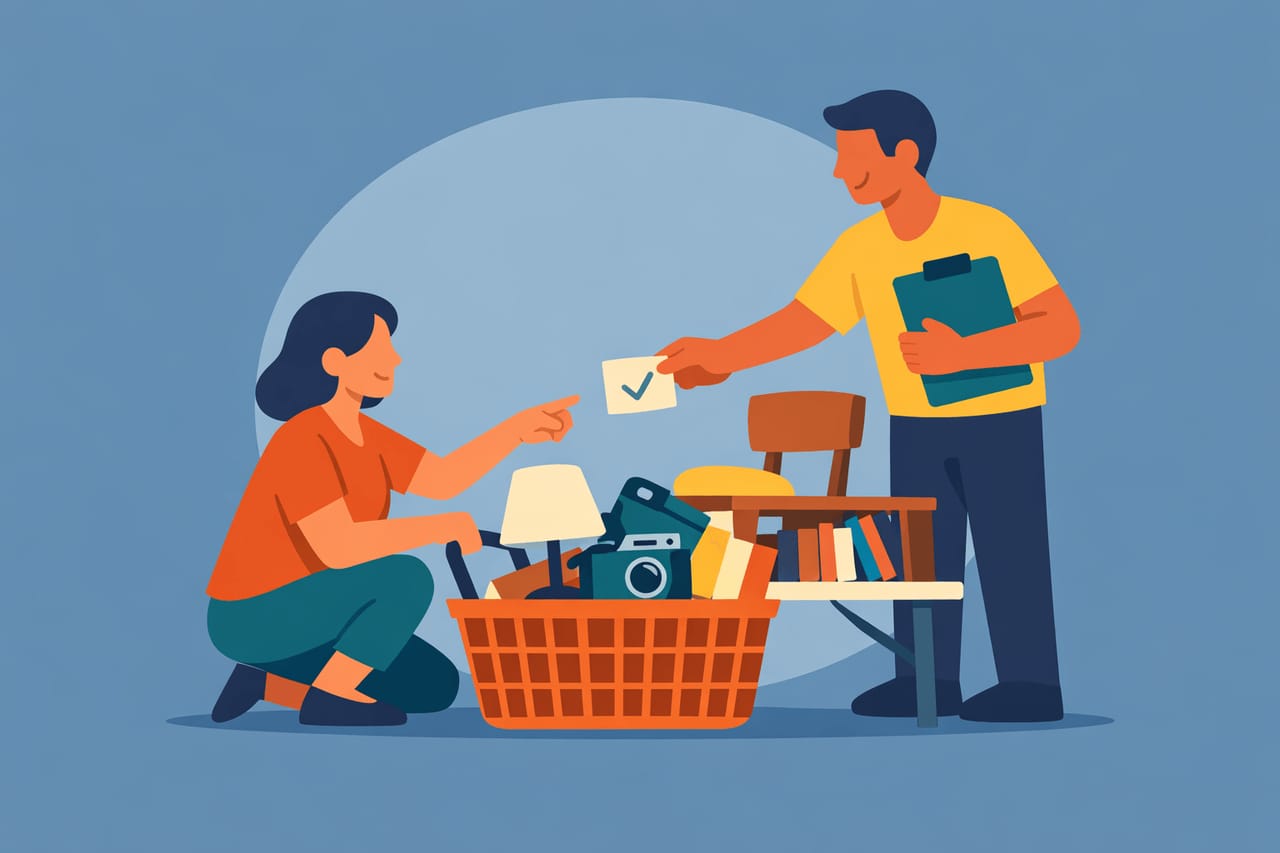
You've found a garage sale or estate sale on OfferTrackr with some items that caught your eye. Now what?
Unlike traditional marketplaces where you message a seller and wait hours (or days) for a reply, OfferTrackr lets you negotiate instantly through an AI-powered chat. You can ask questions, make offers, and reserve items — all in one session.
Here's how to get the best deals every time.
Step 1: Browse Collections
Every seller on OfferTrackr organizes their items into collections. A collection might be a weekend garage sale, a full estate sale, a moving sale, or a charity auction.
When you visit a seller's page, you'll see all their active collections. Tap into one and you can browse every item they're selling — with photos, descriptions, condition ratings, and asking prices.
Take your time here. Scroll through everything before making any offers. You might spot items you want to bundle together for a better deal.
Step 2: Start a Conversation
See something you like? Tap on the item and you'll see a chat window where you can send questions or make an offer. This is where OfferTrackr's AI assistant comes in.
The AI knows the details about every item in the collection — what it is, what the seller is asking, and what condition it's in. You can ask questions like:
- "Does this coffee table have any scratches?"
- "What brand is the stand mixer?"
- "How old is the lawnmower?"
The AI will answer based on the information the seller provided. If it doesn't know something, it will let you know.
Step 3: Make an Offer
When you're ready to negotiate, just tell the AI what you'd like to pay. You can be direct:
- "I'd like to offer $40 for the bookshelf."
- "Would the seller take $25?"
- "What's the best price on this?"
The AI negotiates on the seller's behalf. It knows the seller's asking price and their minimum threshold — the lowest amount they'll accept. It will work to find a fair price that works for both sides.
Here's what you might see:
- Your offer is at or above asking price — The AI accepts right away. The item goes to your offer cart.
- Your offer is reasonable but below asking — The AI may counter with a price between your offer and the asking price. A little back-and-forth is normal.
- Your offer is too low — The AI will let you know it can't go that low and suggest a price closer to the seller's range.
The negotiation feels natural — like chatting with a helpful salesperson, not filling out a form. Don't be afraid to negotiate. That's what the system is designed for.
Step 4: Bundle Multiple Items
This is where OfferTrackr really shines for buyers. If you find several items you want from the same seller, you can negotiate on each one and add them all to a single offer.
For example, say you're browsing an estate sale and you want the dining table, a set of chairs, and a floor lamp. You negotiate a price on each item through the chat, and they all land in your offer cart together.
Bundle deals are great because:
- You save on trips — One pickup instead of three
- You have leverage — Sellers love moving multiple items at once, which often means better prices
- It's faster — One checkout instead of separate transactions
Step 5: Review Your Offer Cart
After negotiating, your agreed items appear in your offer cart. Here you'll see:
- Each item with its photo and description
- The original asking price (crossed out) and your agreed price
- Your total savings
You have 15 minutes from when your first item is agreed upon to complete checkout. This timer keeps things moving for both you and the seller. If you need more time, you can always start a new session.
Review everything carefully. You can remove items you've changed your mind about before proceeding.
Step 6: Reserve with a $2 Fee
When you're happy with your cart, tap "Continue to checkout." You'll enter your payment details through Stripe's secure payment form.
Here's how the reservation fee works:
- A $2 reservation fee is placed on your card when you check out
- This fee is charged at pickup — when you meet the seller and complete the purchase
- If you don't show up, the $2 is charged as a no-show fee
- You pay the agreed price in person at pickup (cash, Venmo, or however the seller accepts payment)
The $2 fee isn't an extra charge on top of your purchase — think of it as a small commitment that tells the seller you're serious. It protects sellers from no-shows and it protects you by ensuring the seller holds your item.
After checkout, the seller gets notified and you'll receive a confirmation with pickup details.
Tips for Getting Better Deals
Be flexible on pickup times
Sellers appreciate buyers who can work around their schedule. If a seller has a Saturday-only garage sale, offering to come at a less popular time (like late afternoon) can work in your favor during negotiations.
Bundle, bundle, bundle
Sellers are almost always more willing to negotiate on price when you're buying multiple items. A seller might hold firm at $50 for one item but happily take $120 for three items that would've been $160 individually.
Check view counts
OfferTrackr shows how many people are looking at an item. If something is getting a lot of views, other buyers are interested too. Don't wait too long to make your offer or someone else might grab it first.
Start with a fair offer
The AI is designed to find a middle ground, but starting way below a reasonable price won't get you far. If something is listed at $100, offering $30 is unlikely to go anywhere. An offer of $70-$80 is a much better starting point and more likely to lead to a deal.
Ask questions first
Before jumping straight to a price, ask about the item. Understanding its condition, age, and any flaws gives you better information for your offer and shows you're a serious buyer.
Browse the full collection
Before making offers on individual items, scroll through the entire collection. You might find related items that make sense as a bundle, or you might find something even better than what originally caught your eye.
That's all there is to it. OfferTrackr makes buying locally simple — browse what's available, chat with the AI to negotiate a fair price, and reserve your items so they're waiting for you at pickup.
No more driving across town hoping an item is still available. No more awkward in-person haggling. No more getting ghosted by sellers. Just browse, offer, reserve, and pick up.
Start browsing local garage sales and estate sales on OfferTrackr and make your first offer today. For more tips, check out How OfferTrackr Makes Selling at Garage Sales and Estate Sales Effortless and 6 Tips To Negotiate the Best Offers from Buyers.